



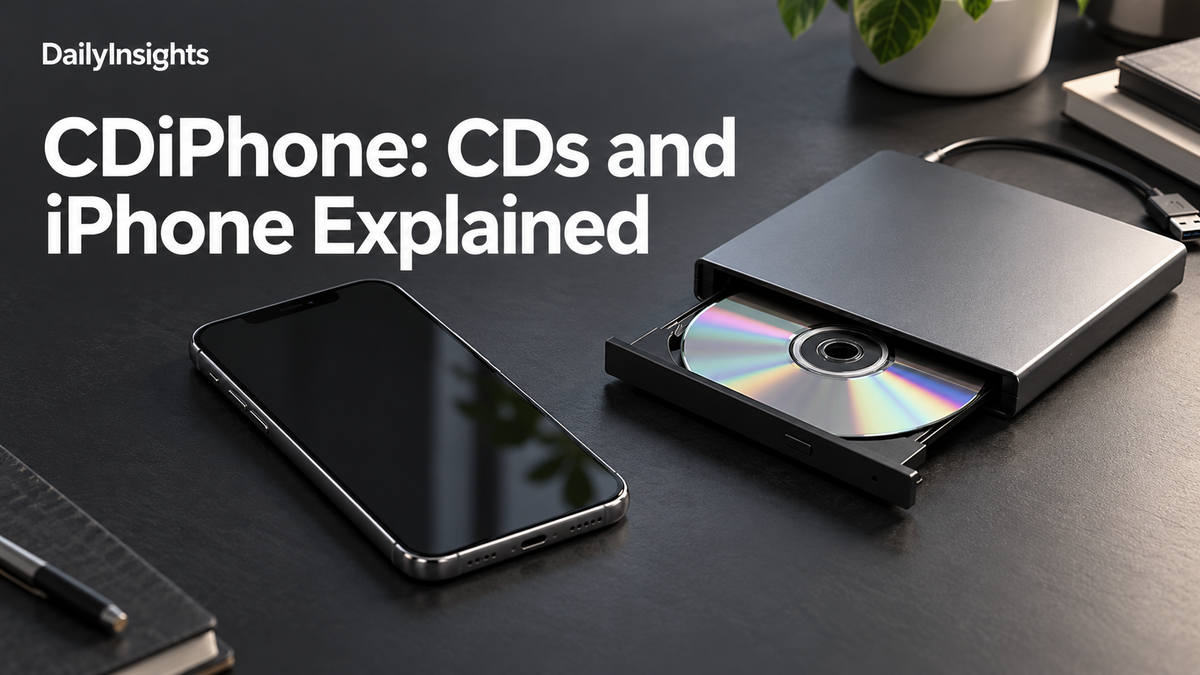
CDiPhone is not an official iPhone model identified in the Apple support resources reviewed for this article. Online uses of the word are inconsistent: some describe an imagined device, while others discuss listening to compact-disc music on an iPhone. The practical answer is straightforward: import the music into a computer library, then transfer or synchronise compatible files to the phone.
A compact disc cannot be inserted into an iPhone. Connecting an ordinary external optical drive is also not the same as giving the phone the software needed to import an audio CD. Before buying an accessory or downloading an unfamiliar app, establish whether you need to identify a phone, digitise an existing disc collection, or simply play music you already own as files.
What does CDiPhone mean?
There is no single verified definition that covers every appearance of CDiPhone online. A writer may be combining the abbreviations CD and iPhone, describing a concept, or using an informal label for a music-transfer project. Those possibilities should not be promoted into an official Apple announcement. A product claim needs a manufacturer page, a model identifier and documentation that describe the same device.
Apple's iPhone identification guide is the appropriate starting point when checking a handset's name. Compare the phone's model details with Apple's list rather than relying on a shop headline or a generated illustration. This research did not establish CDiPhone as a named Apple consumer product, a release scheduled for a particular date, or a service with an official subscription price.
| Task | What it does |
|---|---|
| Import | Reads a CD into a computer music library |
| Sync | Transfers selected library music to a device |
| Play | Opens compatible audio for listening |
| Back up | Keeps another copy of your audio files |
The three different jobs involved
Importing, syncing and playing are separate operations. Importing converts the audio on a disc into files in a computer's music library. Syncing puts selected library content onto another device. Playback opens the resulting songs in a compatible player. Confusing these jobs is why a CD-to-phone cable can sound more useful than it actually is.
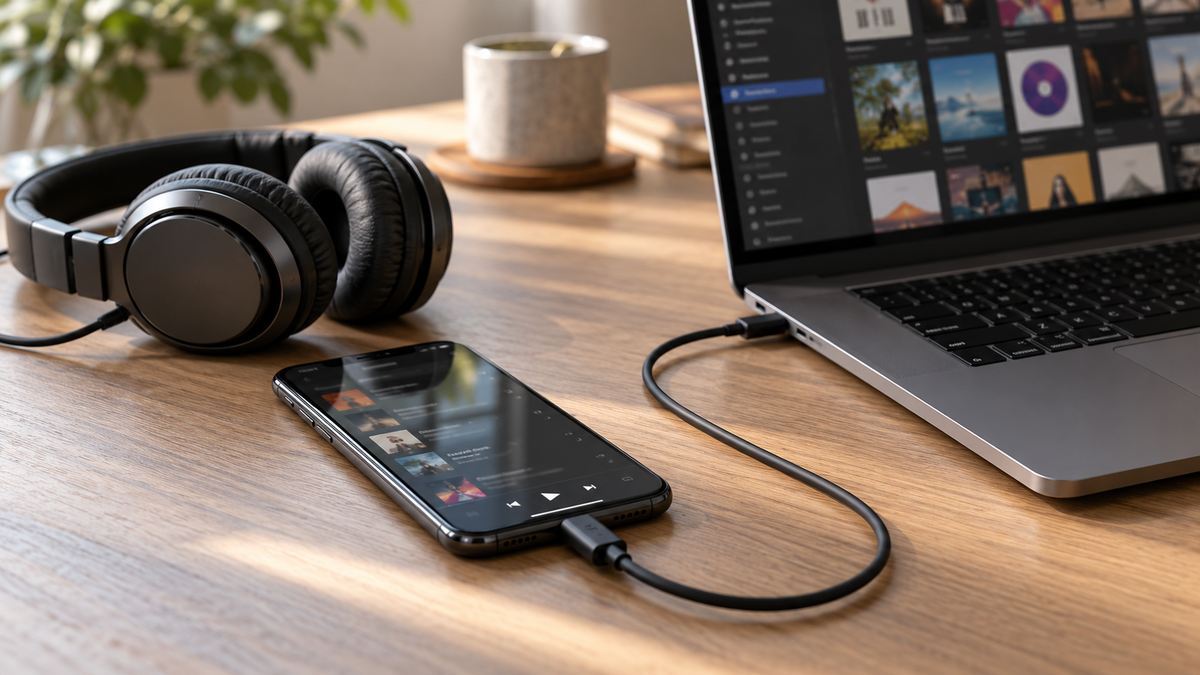
Think of the computer as the bridge between the physical collection and the phone. The disc drive reads the source; the importing application creates the library files; the device-management software transfers the chosen material. Once the transfer is complete, the original disc does not need to travel with the phone. Keep it, along with a separate backup of your library.
Importing audio CDs on a Mac

Apple's Music guide for Mac documents importing songs from audio CDs using an internal or connected external drive. Open Music, insert the disc, select it if necessary and choose the songs to import. Check the import settings before processing a large collection, because the chosen encoding affects storage use and the resulting files.
Inspect the first album after importing. Listen to a track, check that the song order is correct and confirm the album and artist names. Apple notes that missing disc information can result in generic track labels. Correcting metadata early is easier than untangling a library containing many albums with identical names such as Track 01.
If a disc produces clicks, gaps or an unusually slow import, investigate the source and drive before transferring the same flawed recording repeatedly. Apple's guide discusses cleaning damaged or dirty discs and using its error-correction setting. Do not assume that buying a phone adapter will repair audio that was read incorrectly at the importing stage.
Moving music from Windows to an iPhone
Apple's Windows syncing instructions describe using the Apple Devices app alongside the Apple Music app. Connect the iPhone, select the device, open Music in the device sidebar and choose whether to sync the whole library or selected artists, albums, genres or playlists. The exact interface depends on the installed applications and their versions.
Read the confirmation screens before applying changes. Music management is easier when one computer library has a clear role, rather than several computers each attempting to organise the same phone differently. If you are moving between an older iTunes installation and newer Apple applications, use the instructions for that particular arrangement instead of combining steps from unrelated screenshots.
Start with a small playlist. Confirm that its tracks appear on the phone and play correctly, then expand the selection. This gives you a manageable way to identify a missing file, an unsupported format or a transfer setting without rebuilding the entire collection. Check available phone storage before selecting every album you own.
Does this require an Apple Music subscription?
Do not confuse the Apple Music application with a subscription to Apple's streaming catalogue. They are related parts of the wider ecosystem, but the presence of the app does not mean every local-file task is a paid streaming operation. Determine whether your chosen workflow is a local transfer or a cloud-library feature before agreeing to a subscription.
A local library contains files you can identify and back up. A streaming subscription provides access under the service's terms. A cloud-sync feature attempts to make a library available across devices. Each solves a different problem. If your goal is simply to listen to a few imported albums on one phone, evaluate that task directly rather than buying an undefined CDiPhone package.
Sound quality, storage and organisation
Choose a format based on how you will use the collection. A larger file is not automatically a better listening experience in every setting, and a smaller file may sacrifice information. Compare a sample album using your usual headphones before committing hundreds of discs to one set of import settings. Keep the original source so you can revisit the decision later.
Create an organised library structure and a backup outside the working computer. Album artwork and playlists make the collection easier to browse, but they do not replace the underlying audio files. A synchronised phone is convenient for listening; it should not be your only surviving copy of a collection that took substantial time to import.
What to check before buying an accessory
Ask what the accessory actually does. Does it read audio CDs, provide storage, act as a sound output, or merely connect two ports? A compatible connector does not establish compatible software. Look for explicit device support, a clear importing workflow and a return policy. Avoid treating a concept image as evidence that a working product exists.
Be equally careful with downloads carrying the CDiPhone name. A useful music utility should identify its developer, explain its permissions and document supported file formats. You should not need to provide an Apple account password to an unrelated website merely to understand how CD music reaches a phone. Prefer documented tools and test with non-essential files first.
Common questions
Can an iPhone play a physical CD directly?
An iPhone has no built-in optical-disc drive. The standard approach is to import the disc on a suitable computer and then make the resulting music files available on the phone. A separate CD player can supply audio through its own supported connections, but that is a different arrangement from importing a disc into the phone's library.
Is CDiPhone a confirmed new Apple release?
No confirmed release was established in the Apple resources reviewed. Treat proposed specifications, launch dates and prices as unverified unless they can be traced to Apple's own product documentation. For listening to an existing collection, the useful distinction remains physical disc, imported library and transferred music—not an unverified device name.
Related DailyInsights reading: Wattios.
Related DailyInsights reading: Quantumrun.

1 Comment
Pingback: NZXT CAM on Mac: Why It Won’t Install